📢 Announcing our research paper: Zentry achieves 26% higher accuracy than OpenAI Memory, 91% lower latency, and 90% token savings! Read the paper to learn how we're revolutionizing AI agent memory.
NodeSDK now supports Graph Memory. 🎉
Installation
To use Zentry with Graph Memory support, install it using pip:
Initialize Graph Memory
To initialize Graph Memory you’ll need to set up your configuration with graph store providers. Currently, we support Neo4j and Memgraph as graph store providers.Initialize Neo4j
You can setup Neo4j locally or use the hosted Neo4j AuraDB.If you are using Neo4j locally, then you need to install APOC plugins.
- Main Configuration: If
llmis set in the main config, it will be used for all graph operations. - Graph Store Configuration: If
llmis set in the graph_store config, it will override the main configllmand be used specifically for graph operations. - Default Configuration: If no custom LLM is set, the default LLM (
gpt-4o-2024-08-06) will be used for all graph operations.
If you are using NodeSDK, you need to pass
enableGraph as true in the config object.Initialize Memgraph
Run Memgraph with Docker:--schema-info-enabled flag is set to True for more performant schema
generation.
Additional information can be found on Memgraph
documentation.
User can also customize the LLM for Graph Memory from the Supported LLM list with three levels of configuration:
- Main Configuration: If
llmis set in the main config, it will be used for all graph operations. - Graph Store Configuration: If
llmis set in the graph_store config, it will override the main configllmand be used specifically for graph operations. - Default Configuration: If no custom LLM is set, the default LLM (
gpt-4o-2024-08-06) will be used for all graph operations.
Graph Operations
The Zentry’s graph supports the following operations:Add Memories
If you are using Zentry with Graph Memory, it is recommended to pass
user_id. Use userId in NodeSDK.Get all memories
Search Memories
Delete all Memories
Example Usage
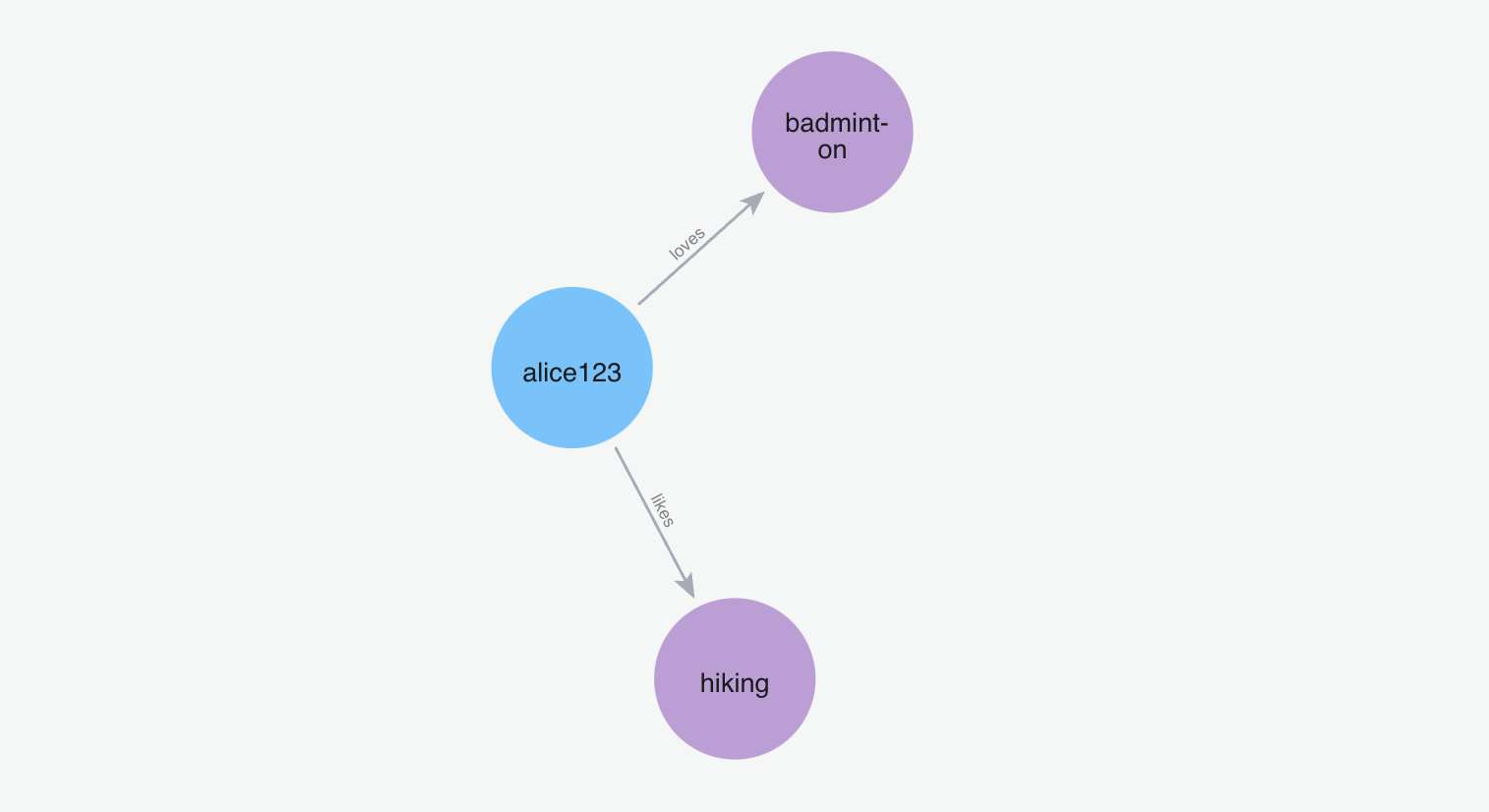
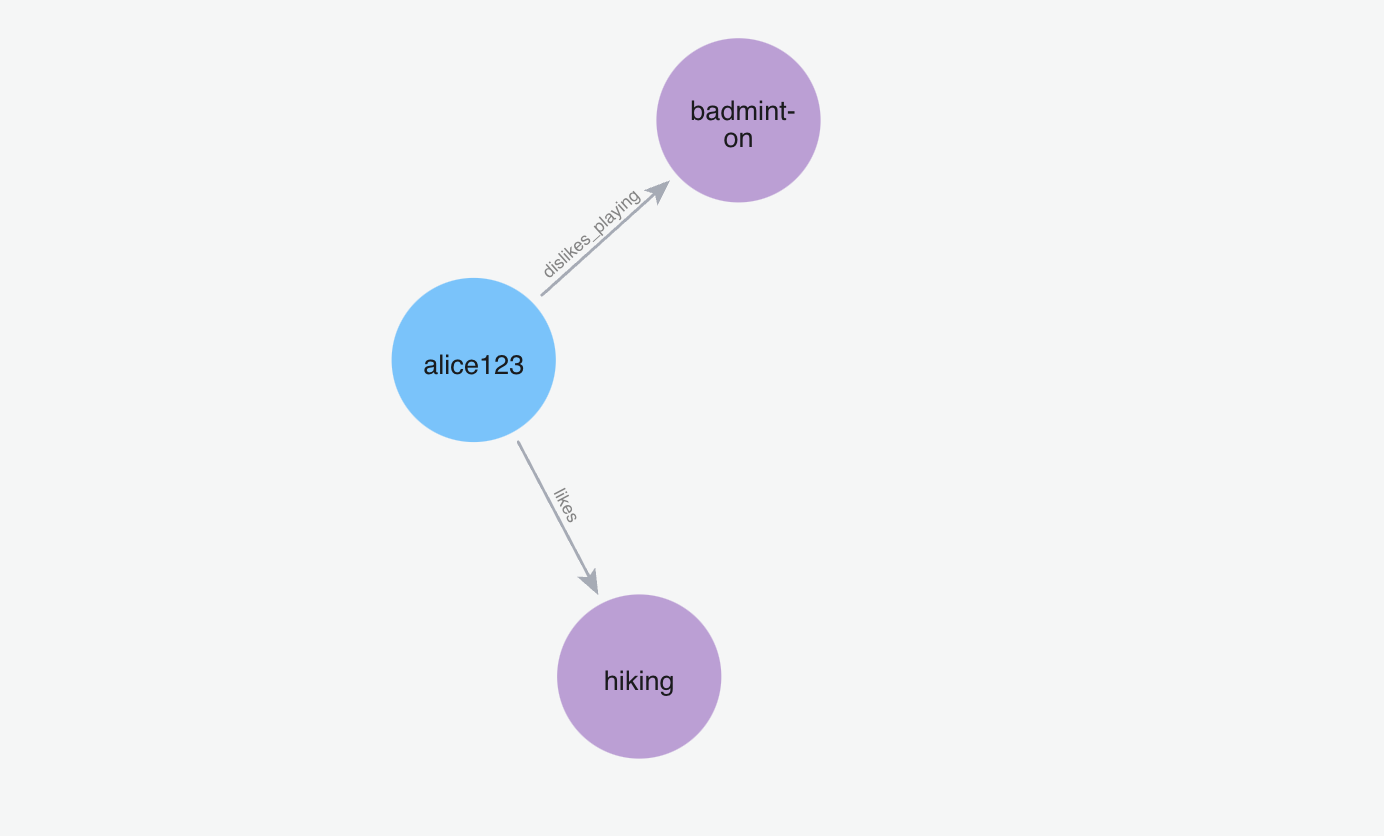
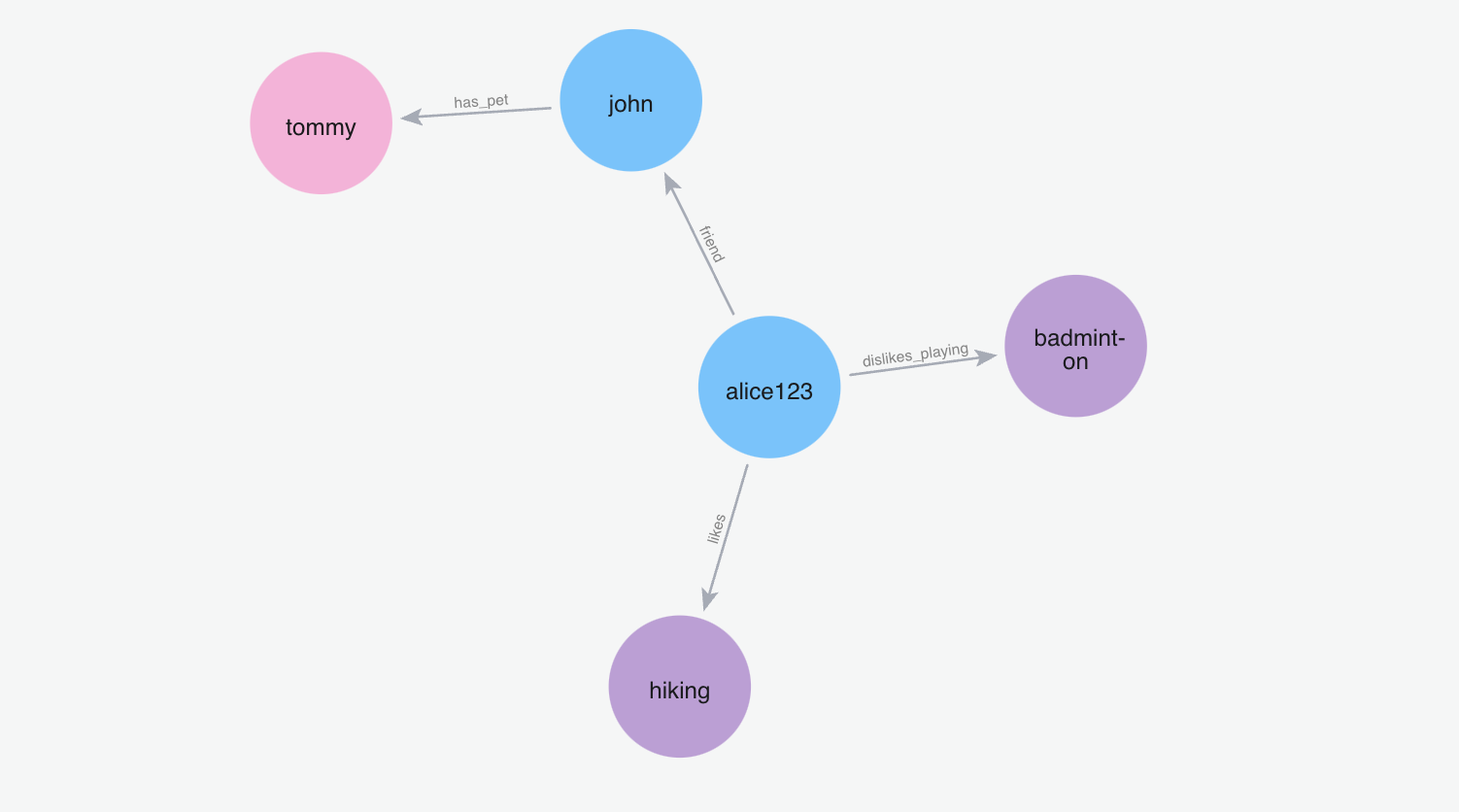
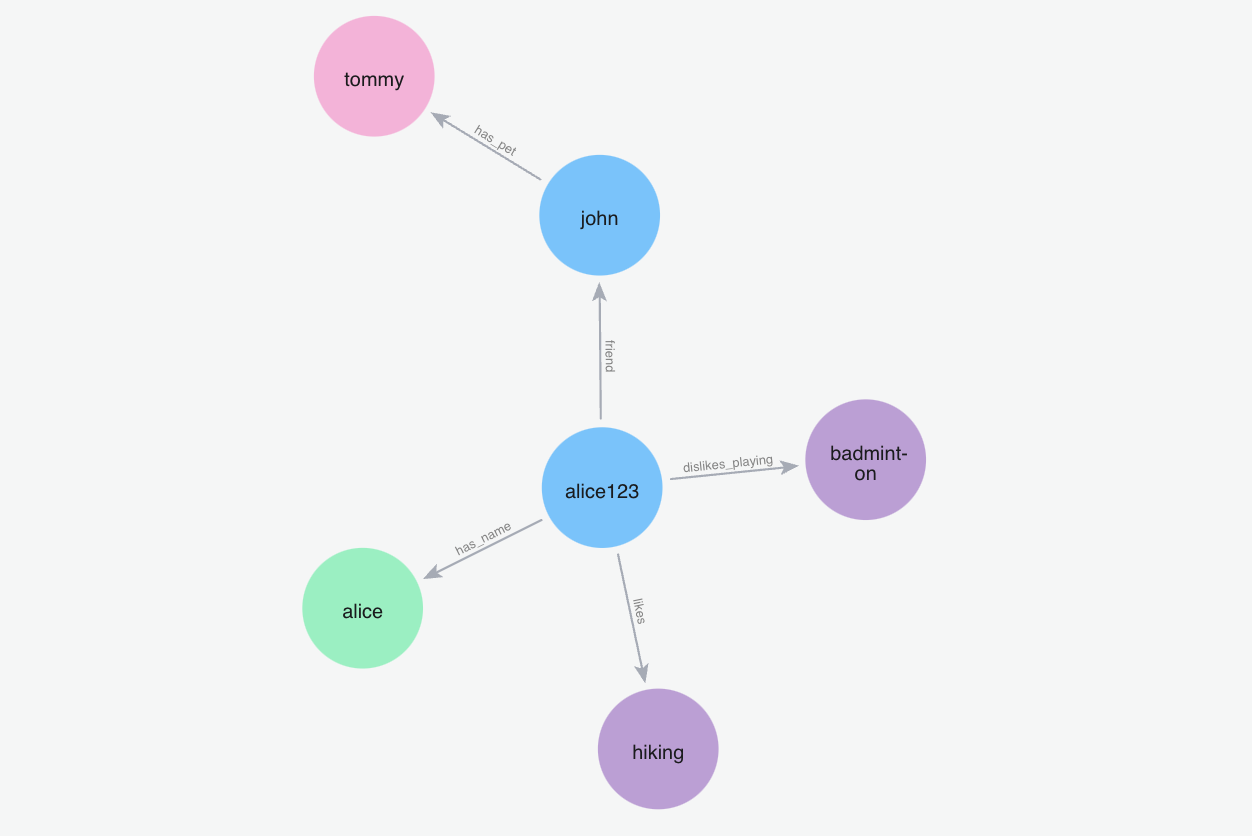
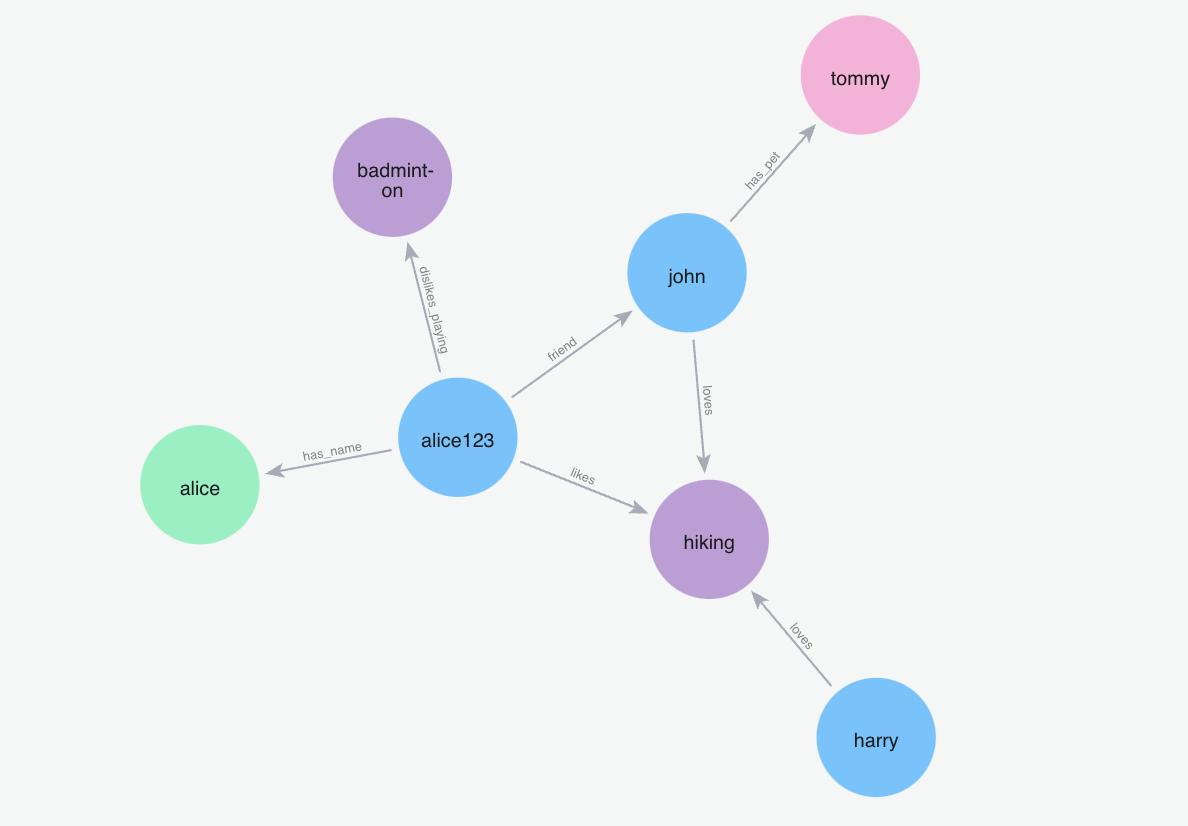
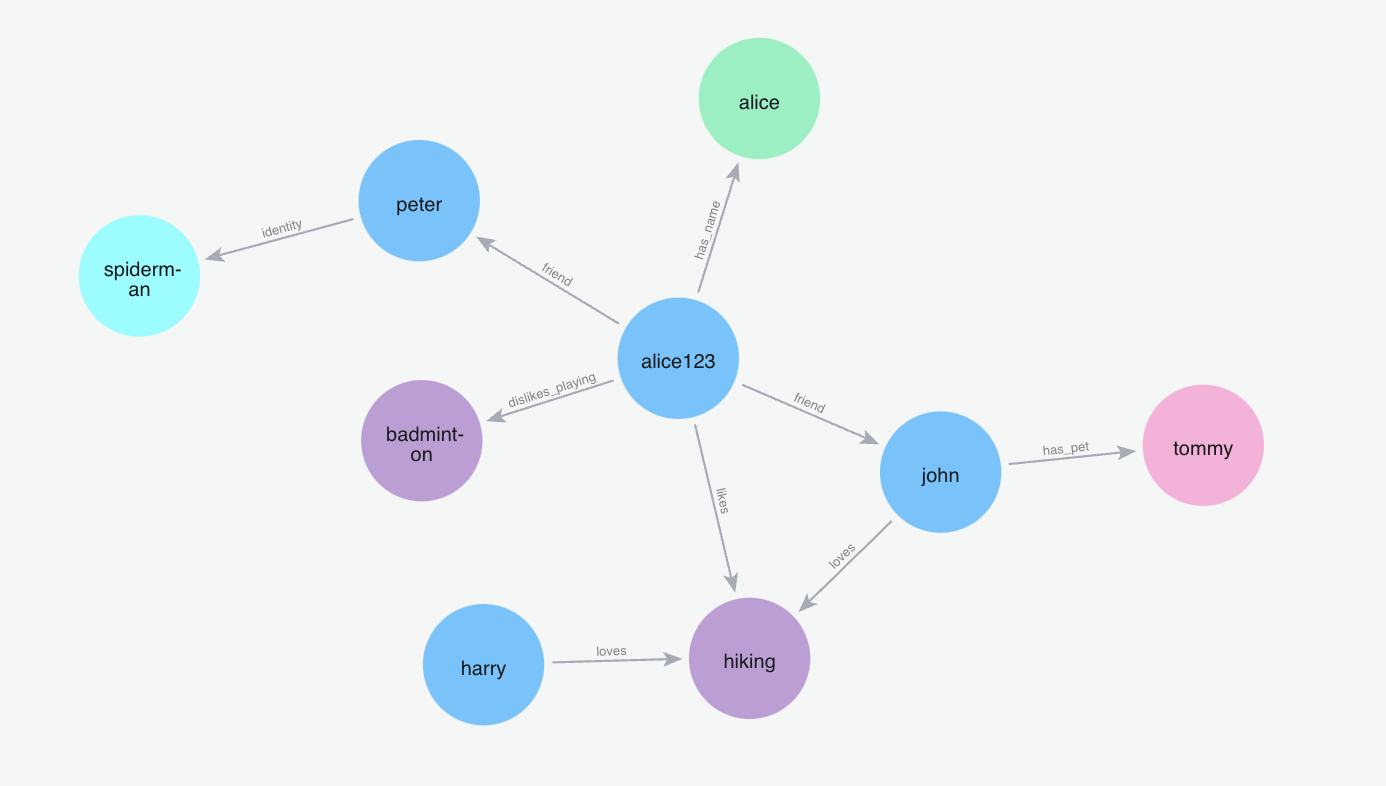
Here’s an example of how to use Zentry’s graph operations:- First, we’ll add some memories for a user named Alice.
- Then, we’ll visualize how the graph evolves as we add more memories.
- You’ll see how entities and relationships are automatically extracted and connected in the graph.
Add Memories
Below are the steps to add memories and visualize the graph:
Search Memories
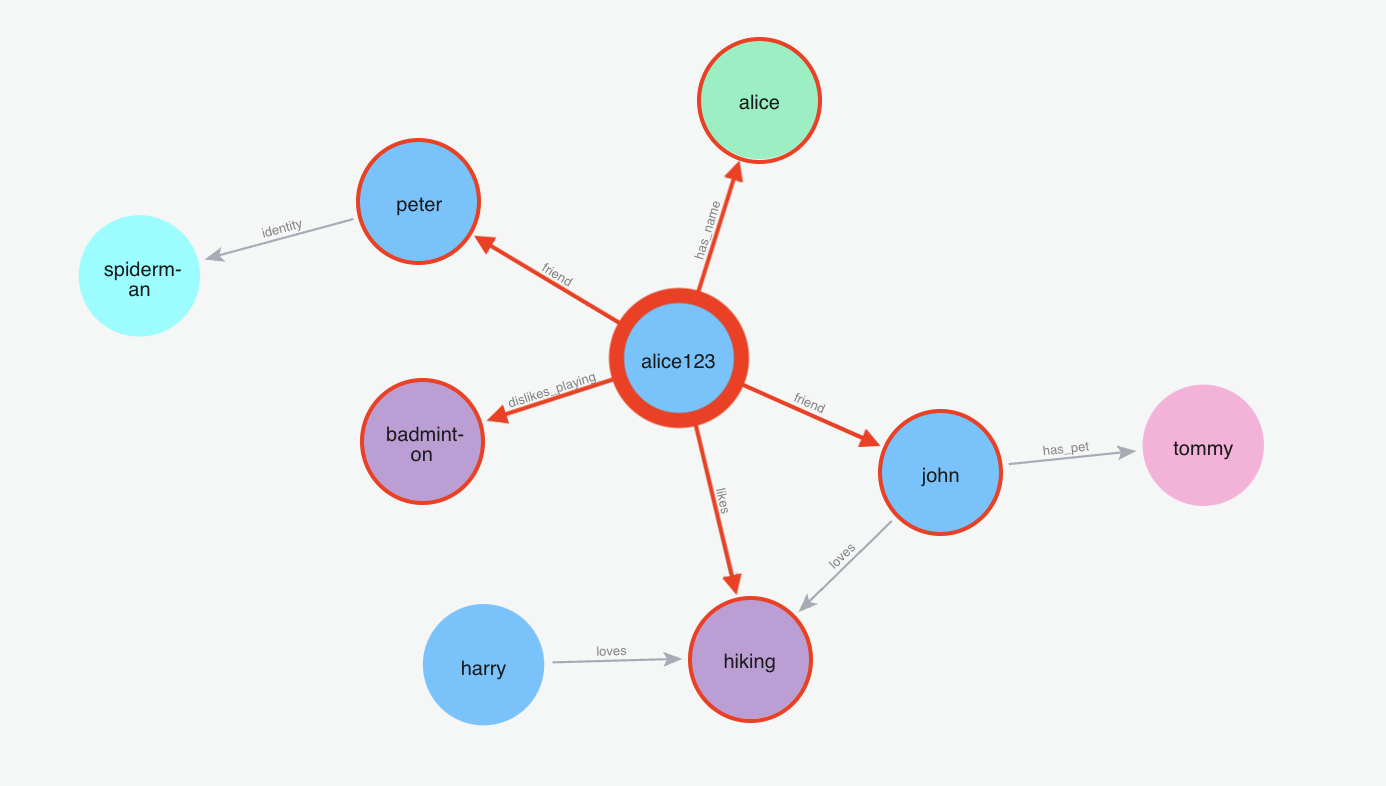
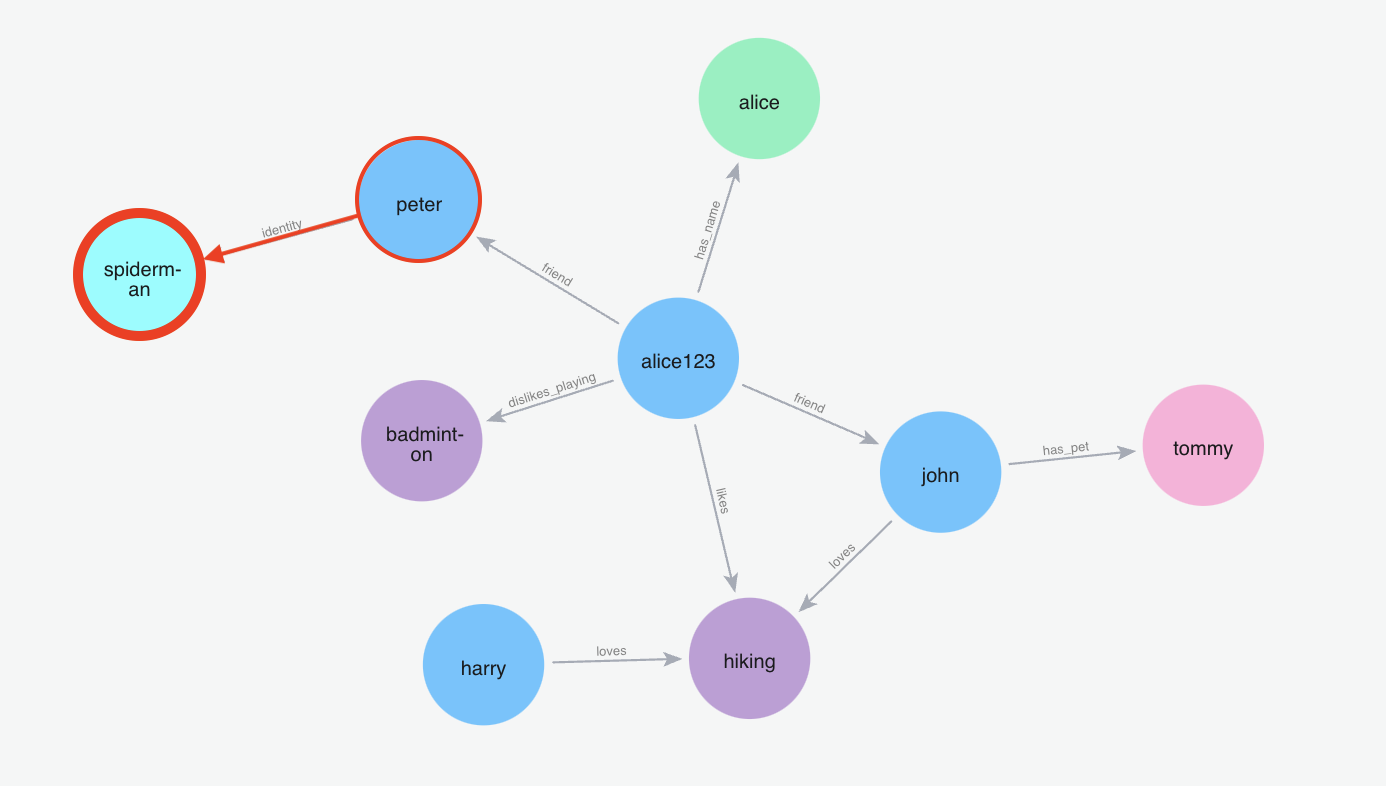
Note: The Graph Memory implementation is not standalone. You will be adding/retrieving memories to the vector store and the graph store simultaneously.If you want to use a managed version of Zentry, please check out Zentry. If you have any questions, please feel free to reach out to us using one of the following methods:
Telegram
Join our community
GitHub
Ask questions on GitHub
Support
Talk to founders